Seenlark app mockups

A static redesign of the Seenlark backend in the calm of an ElevenLabs-style dashboard, using the new marketing tokens — paper, Inter, Plex Mono, Newsreader titles, and cobalt as the only accent. 44 screens, including a chart-system gallery. Charts follow a consulting-grade system (action titles, direct labels, one highlighted series). The top-left of the sidebar is the workspace switcher — Stripe-style — with Seenlark’s mark at the bottom. All figures are fictional example data for a made-up workspace called Northwind.
Example data · not real customers · desktop-first at 1440

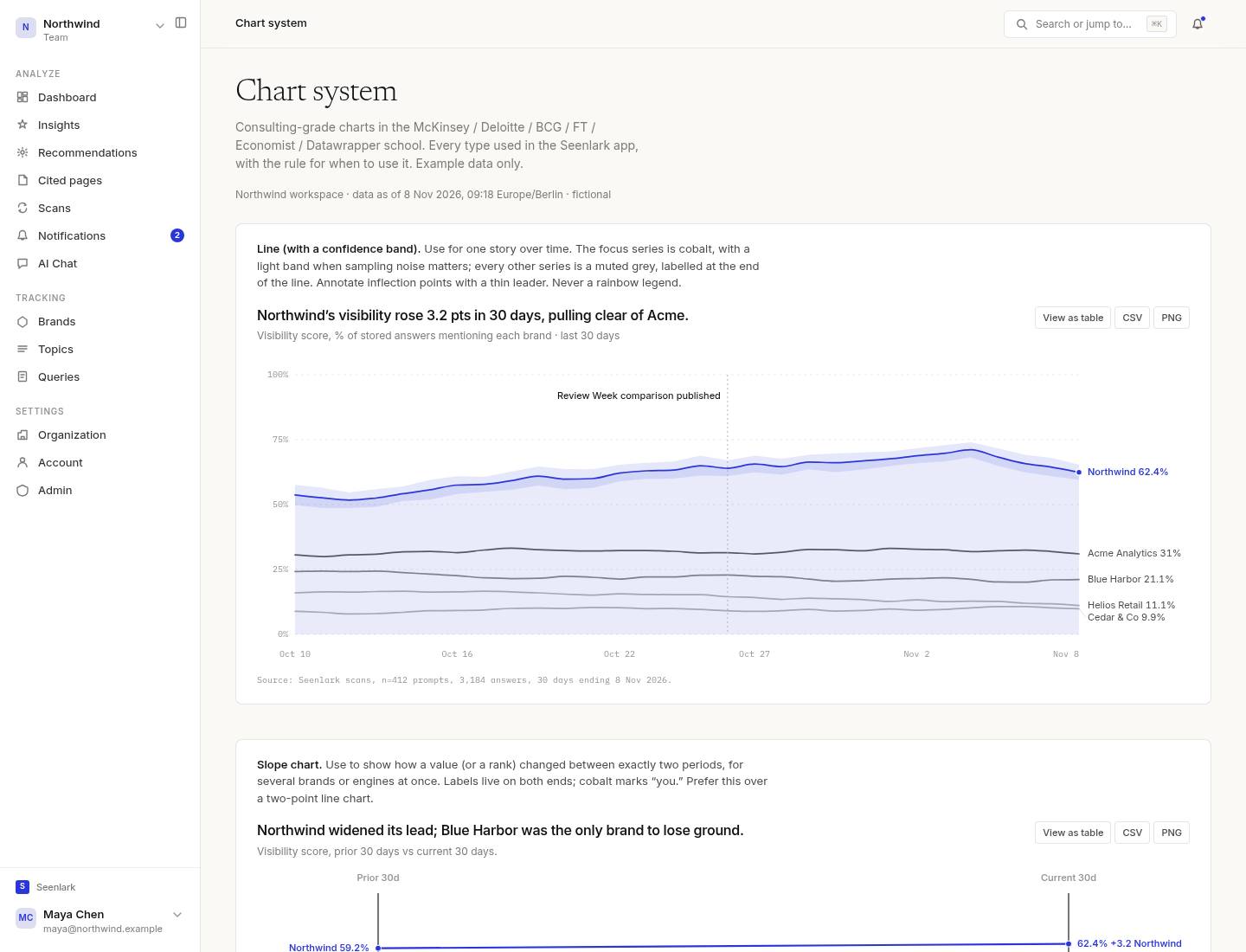
Chart system

Chart gallery and style guide
Every consulting-grade chart type, with the rule for when to use it. Line, slope, dumbbell, waterfall, small multiples, bars, marimekko, heatmap, bump, quadrant, bullet, sparkline.

Analytics

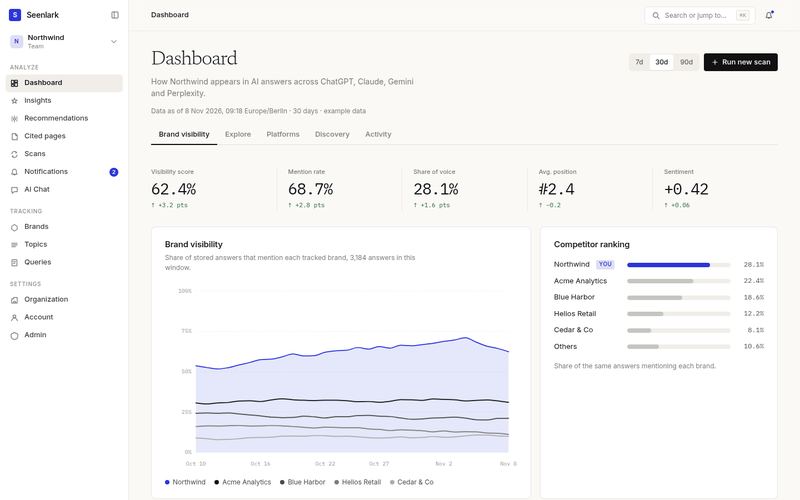
Dashboard · Brand visibility
Visibility trend, share of voice, competitor ranking, range switching.
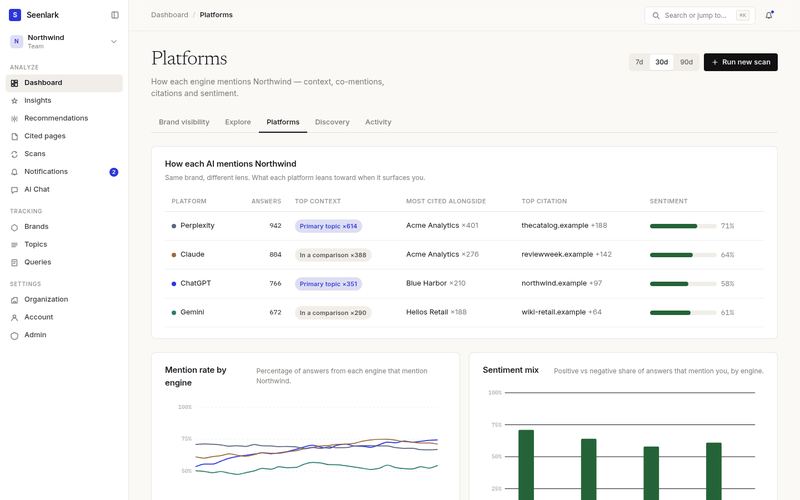
Platforms
How each engine mentions you: context, co-mentions, sentiment, mention-rate chart.
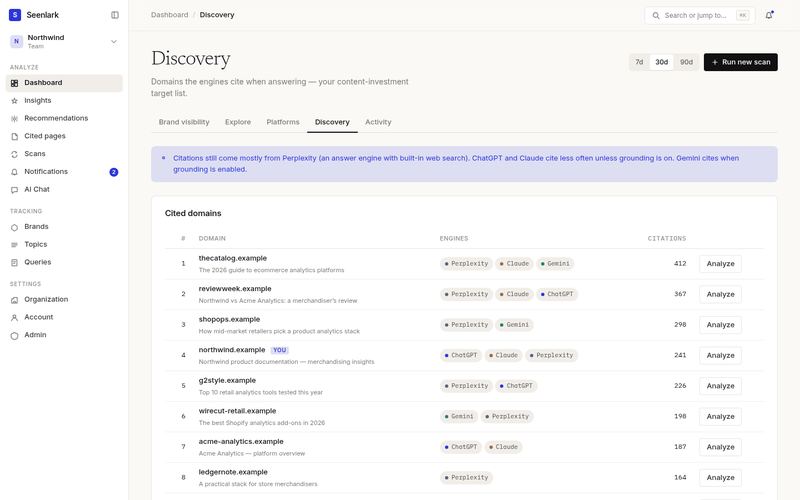
Discovery
Cited-domain ranking — the content-investment list.
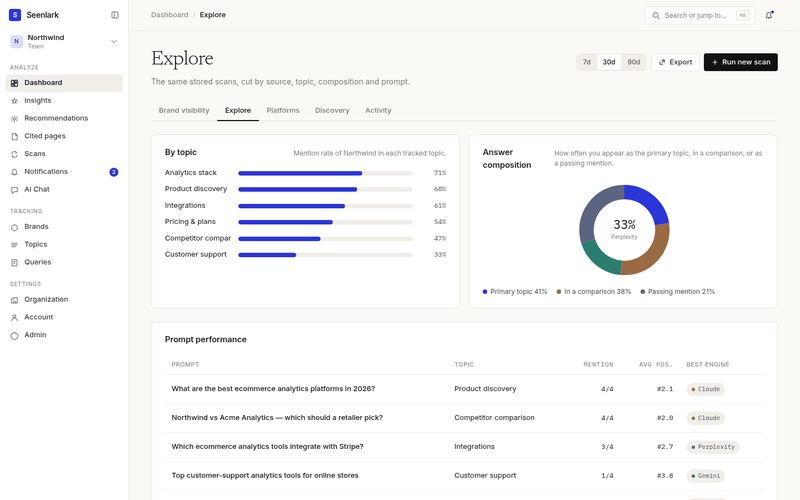
Explore
Cuts by topic, composition and prompt performance.
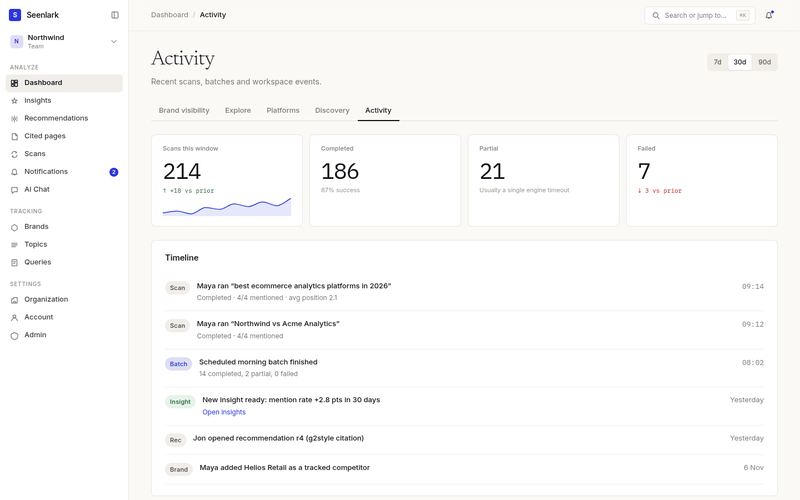
Activity
Scan volume KPIs with sparklines, and a workspace timeline.
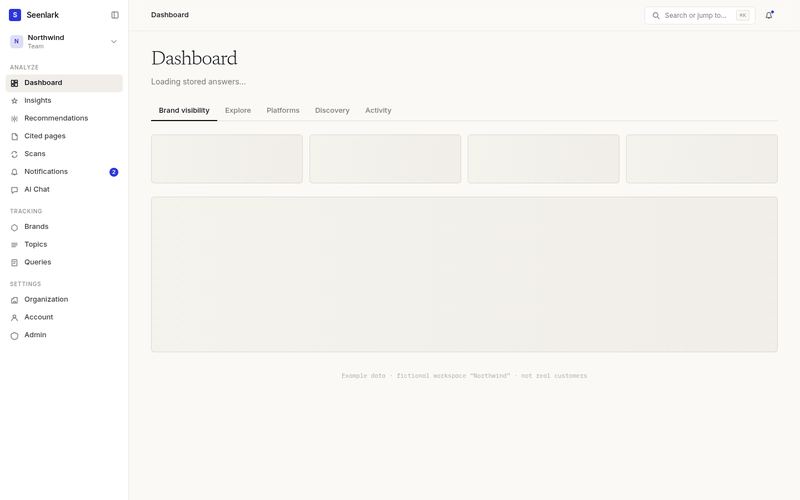
Dashboard · Loading
Skeleton state for KPIs and the main chart.
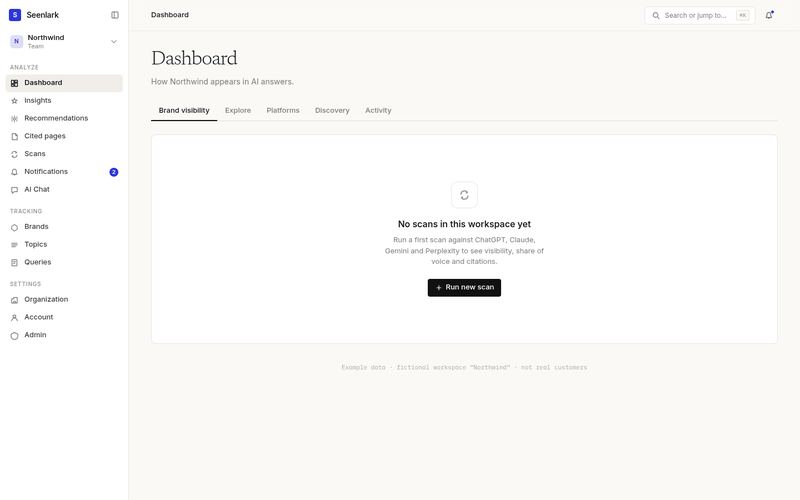
Dashboard · Empty
First-run empty state with a single CTA.

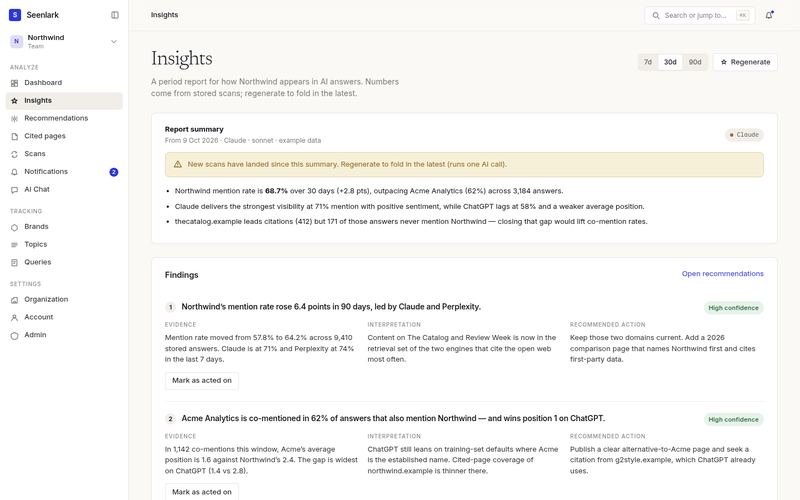
Insights

Insights
Period report, summary bullets, evidence / interpretation / action findings.
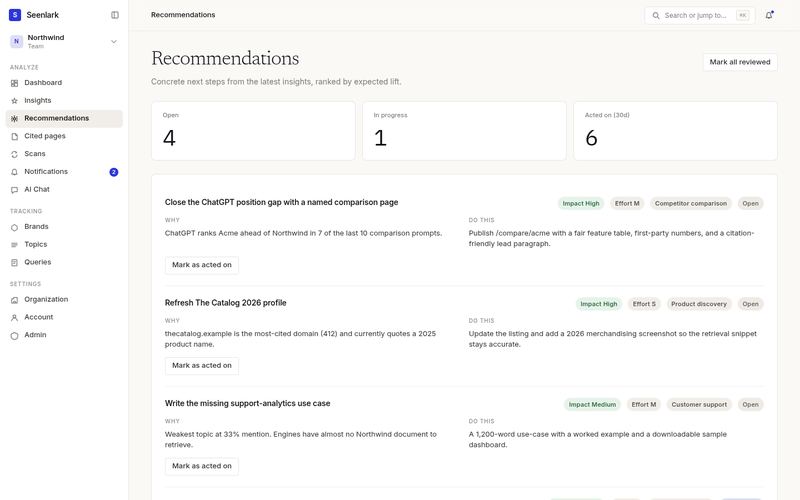
Recommendations
Ranked next steps with impact, effort and status.
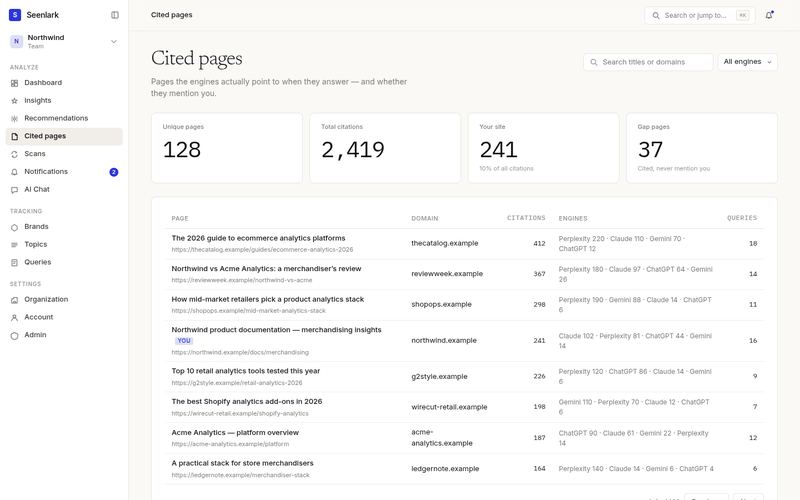
Cited pages
Searchable, sortable table of pages the engines point to.
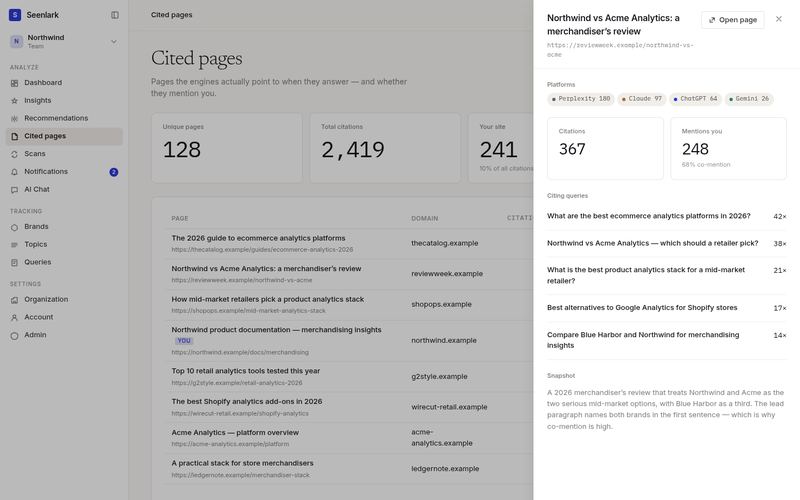
Cited pages · Drawer
Inspector open on a review article, with engines and citing queries.

Scans — deepest set

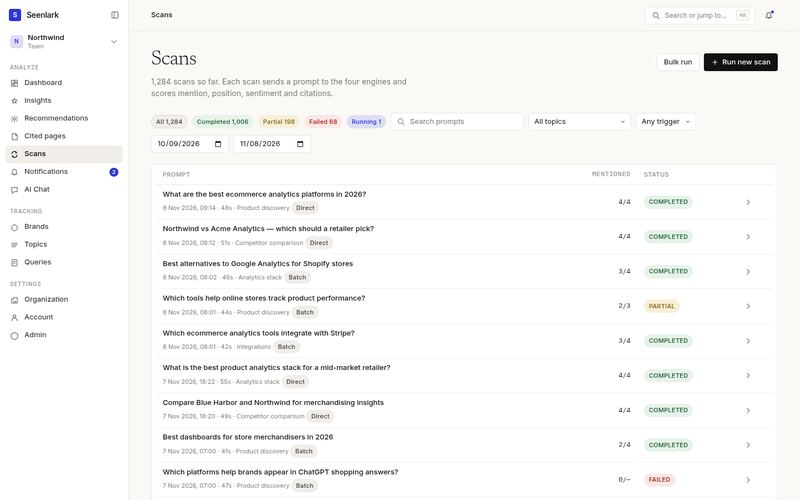
Scans list
Filters, status chips, searchable prompt list.
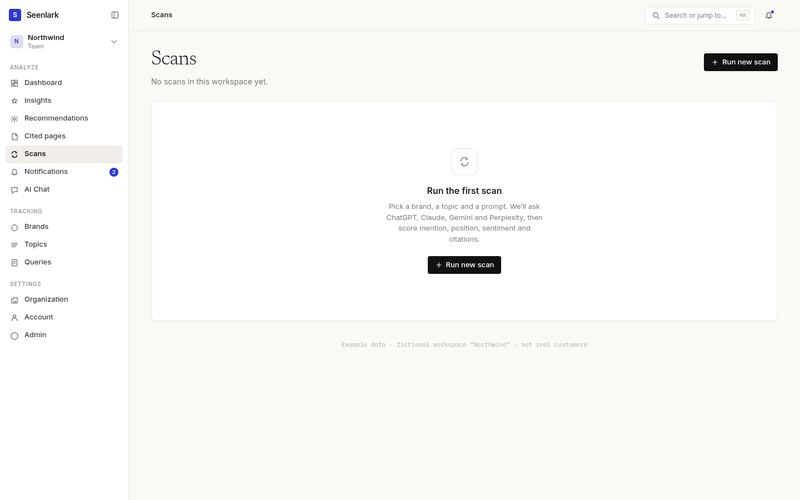
Scans · Empty
Quiet empty state, one CTA.
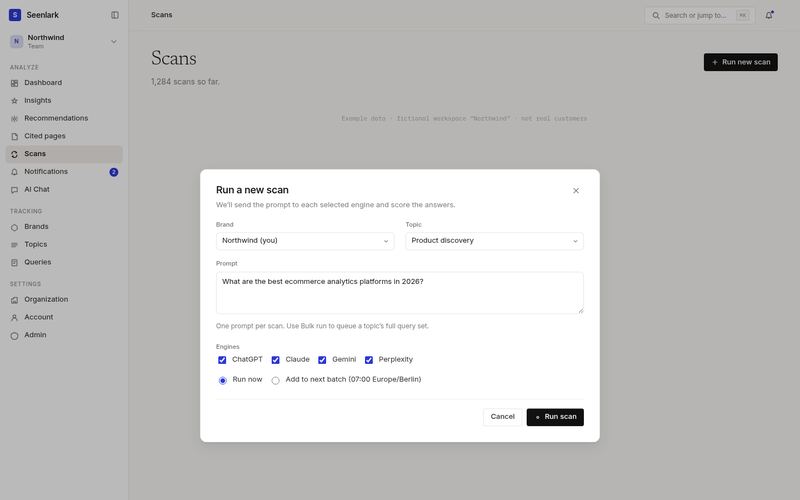
New-scan dialog
Brand, topic, prompt, engines, run-now vs batch.
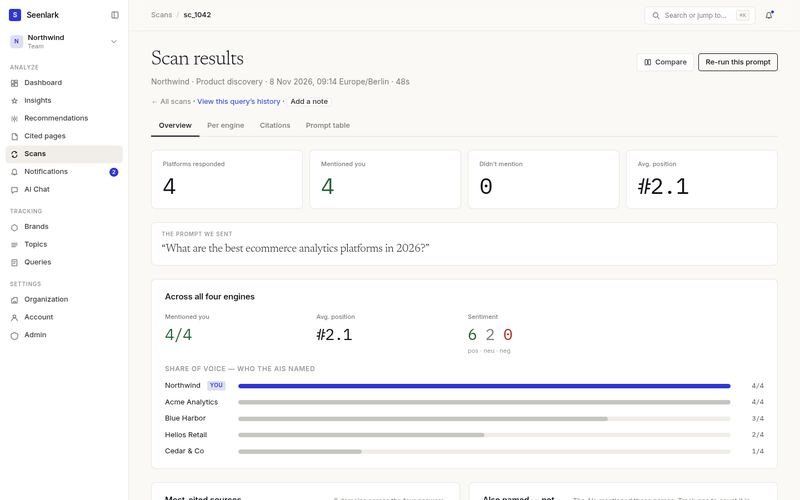
Scan detail · Overview
KPIs, the prompt, share of voice, citations, untracked names.
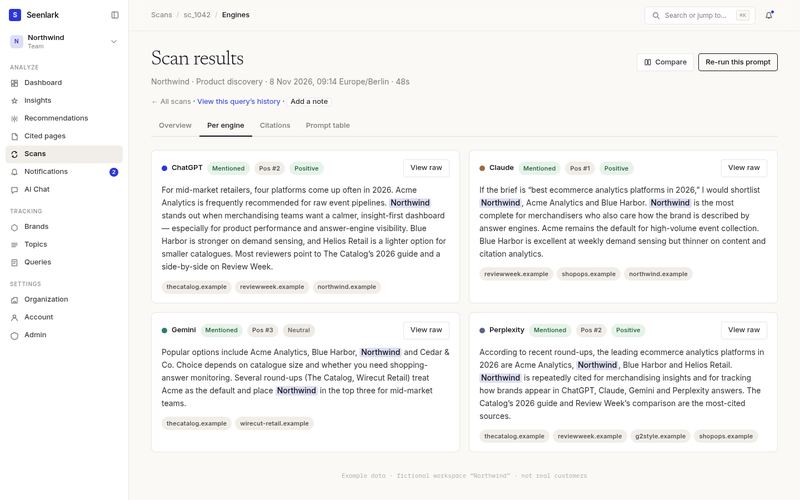
Scan · Per engine
Four raw-ish answers with mentions highlighted, position and sentiment.
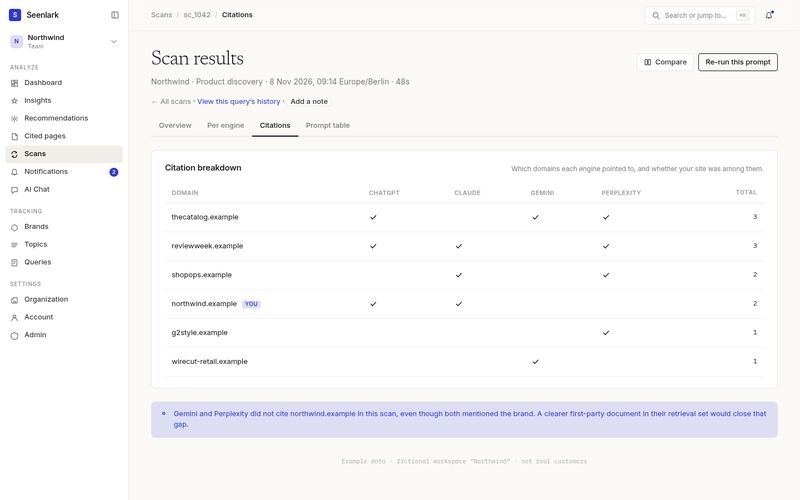
Scan · Citations
Domain × engine matrix, and a gap callout.
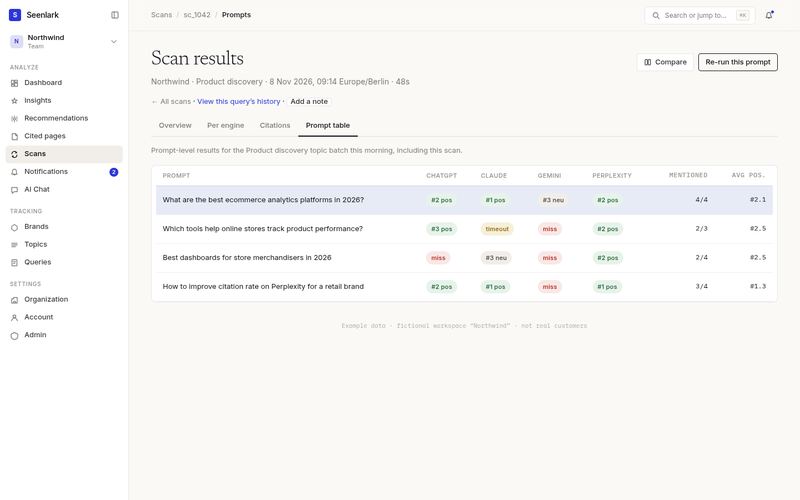
Scan · Prompt table
Topic-batch results, one row per prompt, cells per engine.
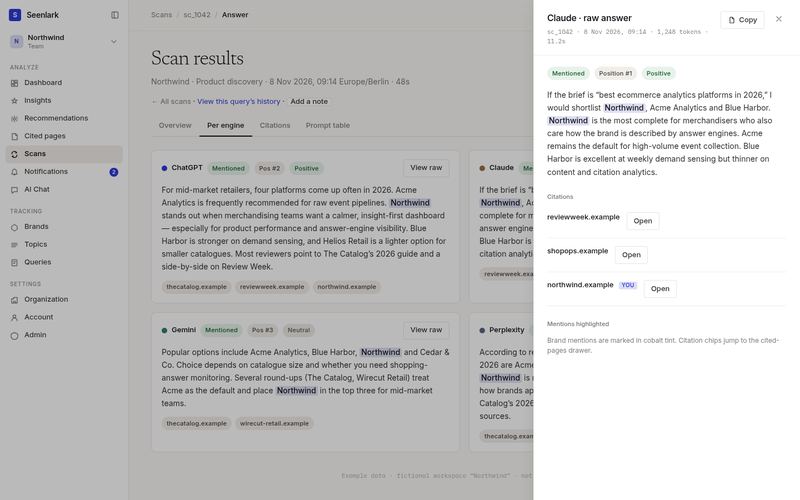
Scan · Raw answer drawer
Claude’s full answer, citations, mention highlighting.
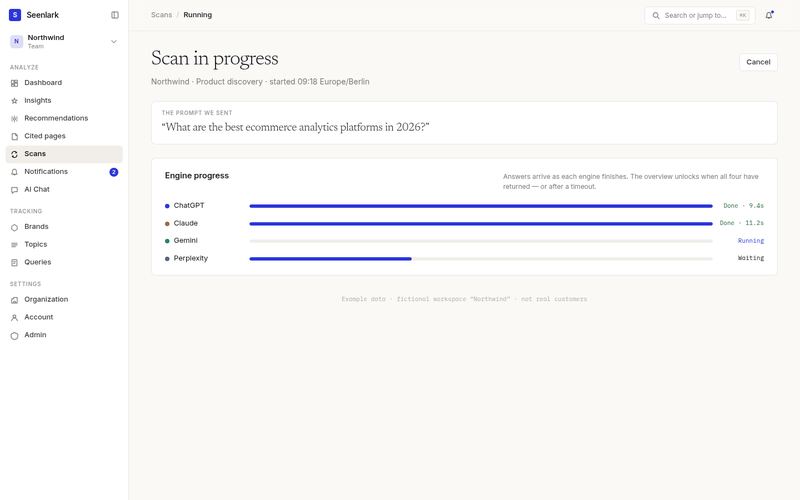
Scan · Running
Per-engine progress, determinate and indeterminate bars.
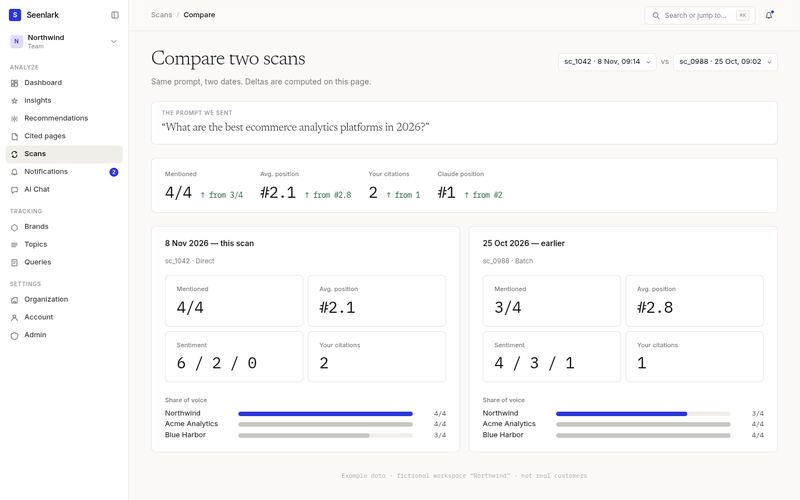
Scan compare
Same prompt, two dates, side-by-side with deltas.

Tracking

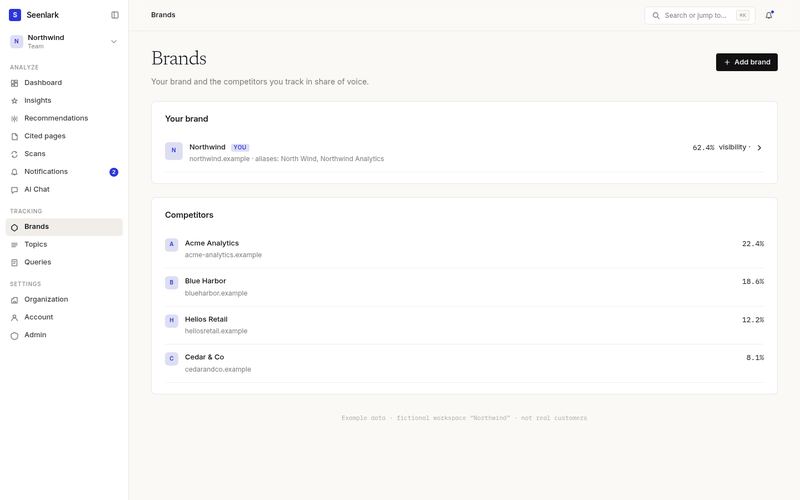
Brands
Your brand and competitors.
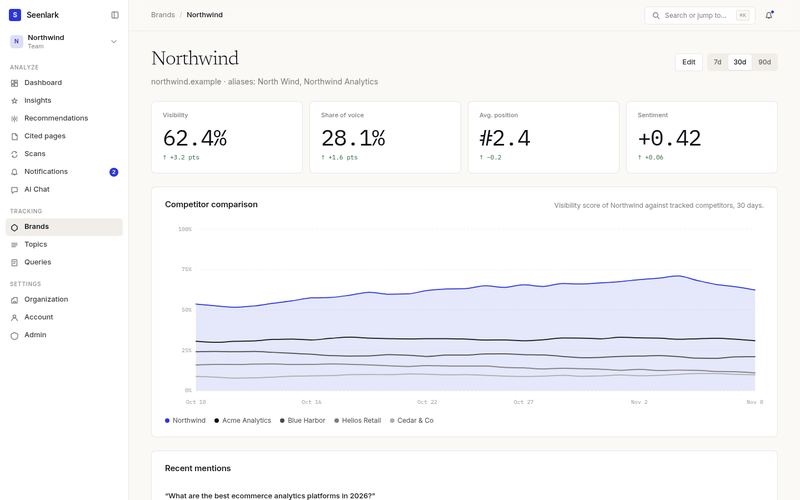
Brand detail
Competitor comparison chart and recent mentions.
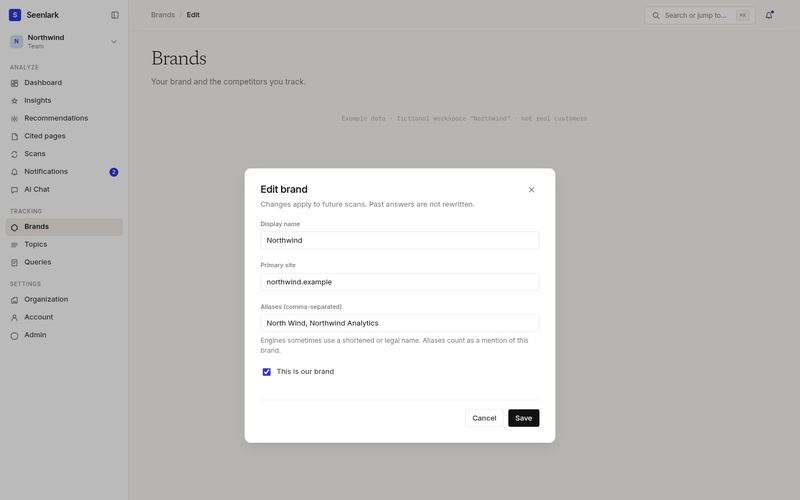
Edit-brand dialog
Name, site, aliases. Closed without saving in the real app; this is a mock.
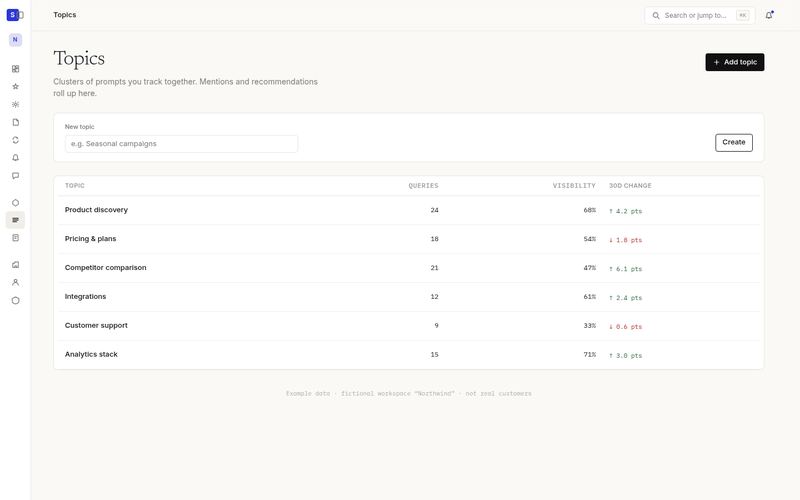
Topics
Topic list with visibility and a create field.
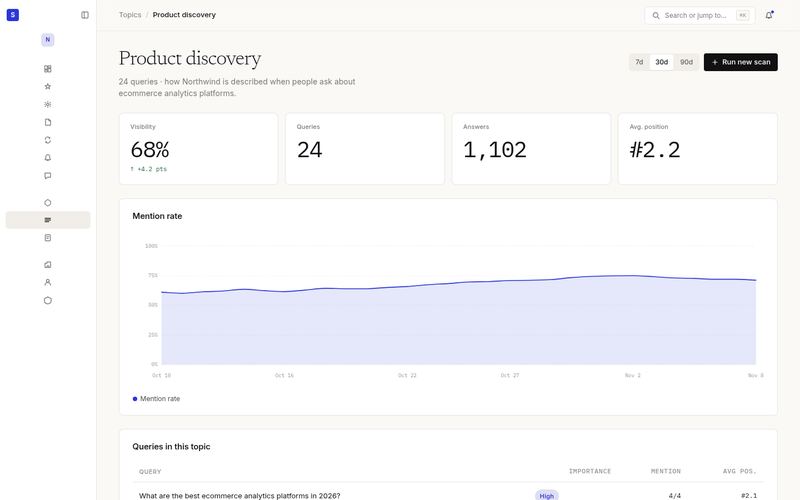
Topic detail
Mention-rate chart and the queries in the topic.
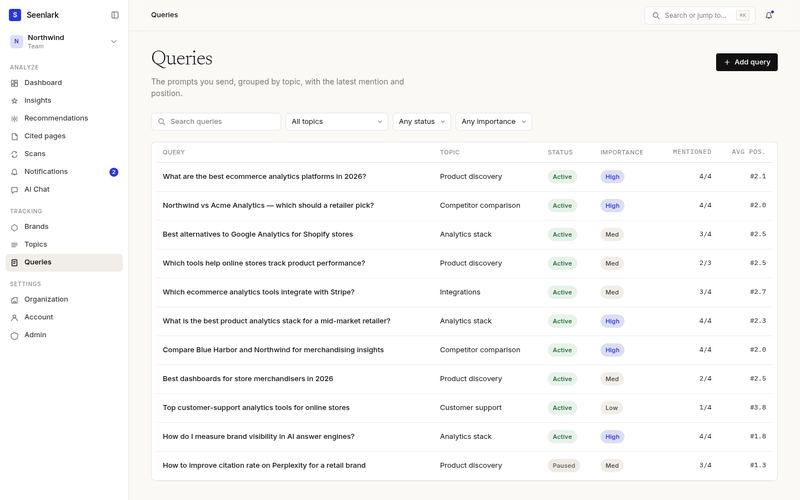
Queries
Filterable, sortable prompt table.
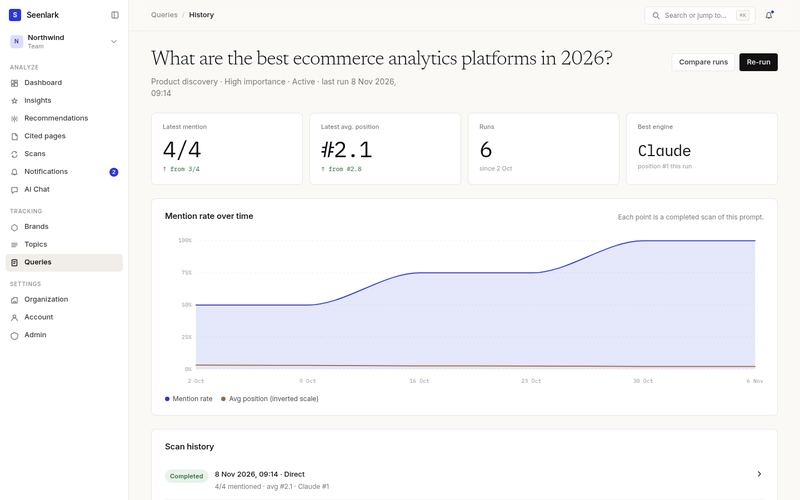
Query history
Mention over time and the scan history for one prompt.

Chat & notifications

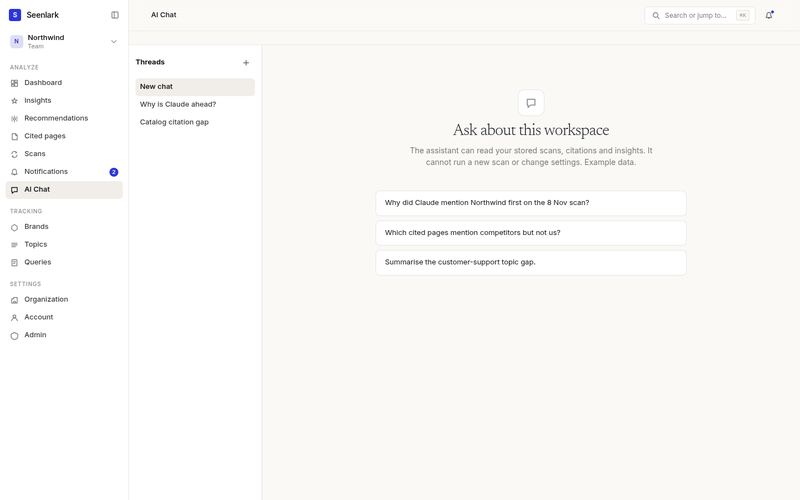
AI Chat
Empty state and suggested prompts. Nothing is sent.
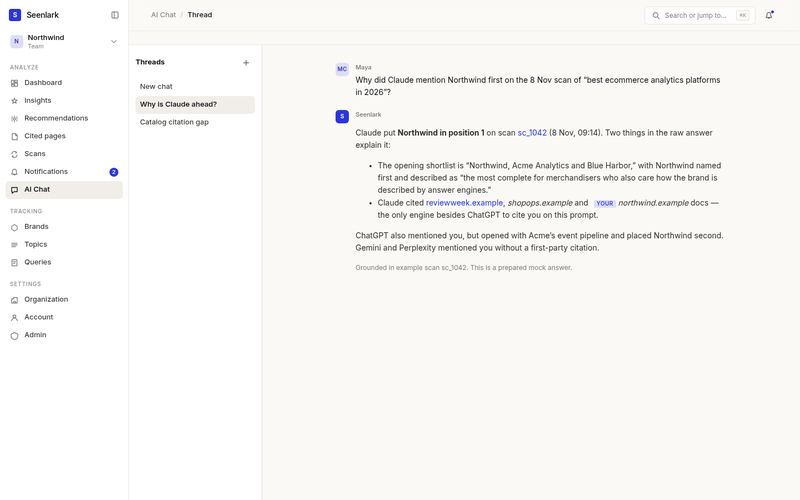
AI Chat · Thread
A prepared example conversation grounded in sc_1042.
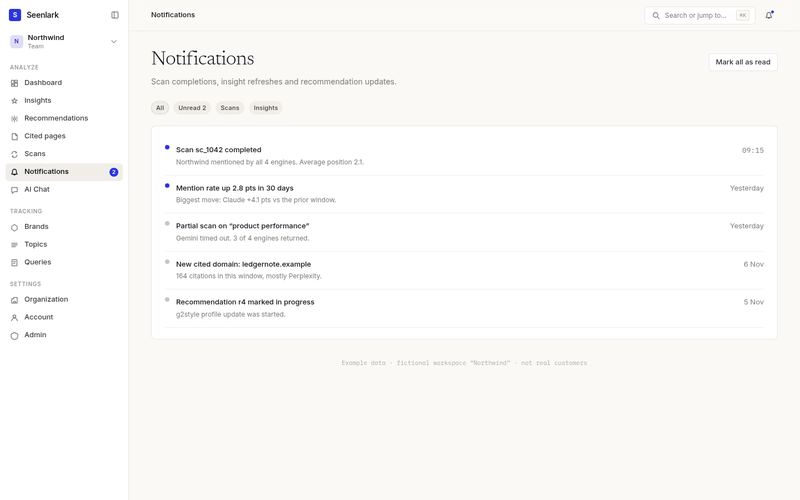
Notifications
Bell-page list, two unread.
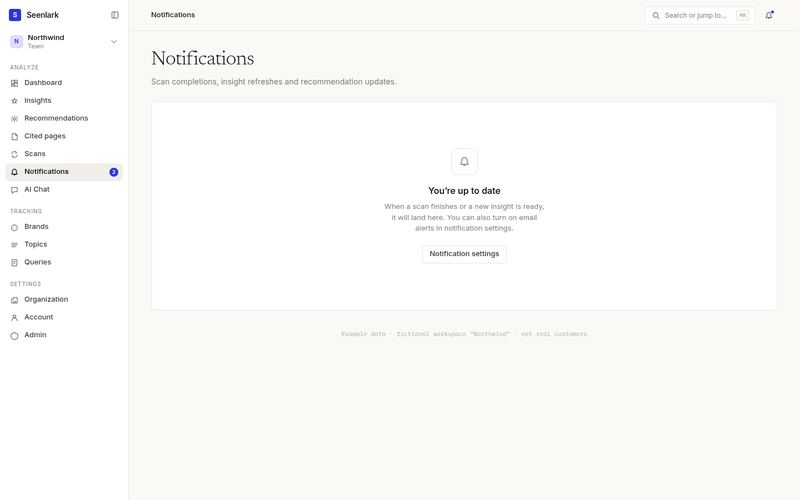
Notifications · Empty
You’re up to date.

Settings & admin

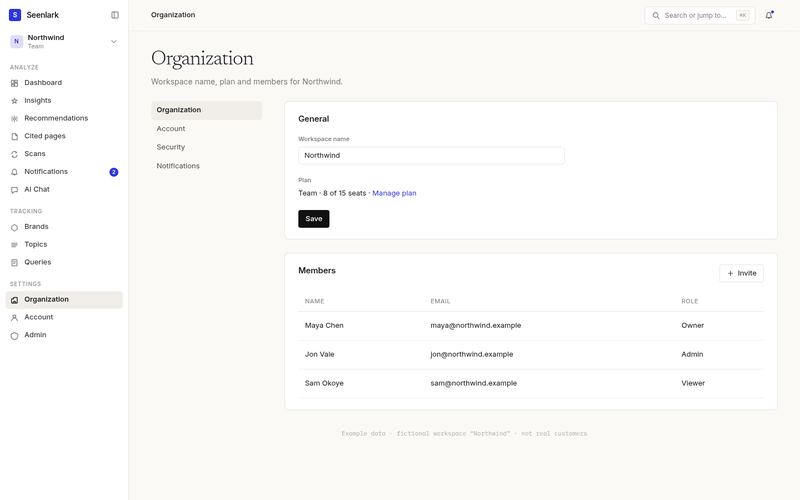
Organization
Workspace name, plan, members.
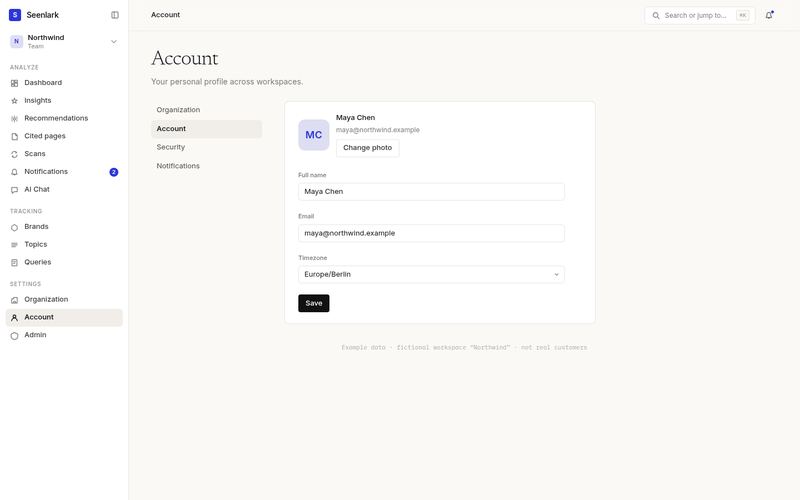
Account
Profile, email, timezone.
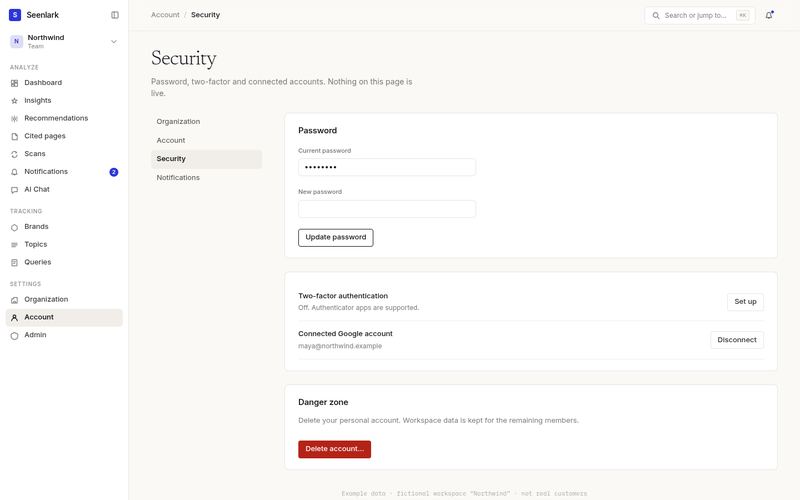
Security
Password, 2FA, connected account, danger zone — all inert.
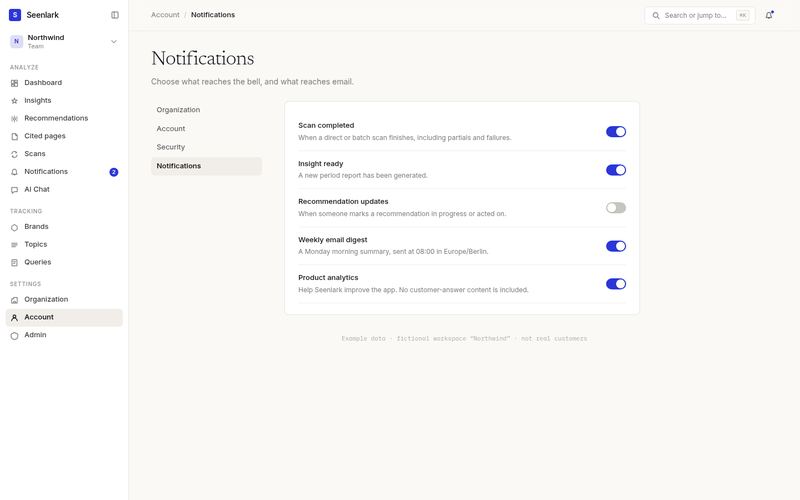
Notification settings
Toggles for scans, insights, digest.
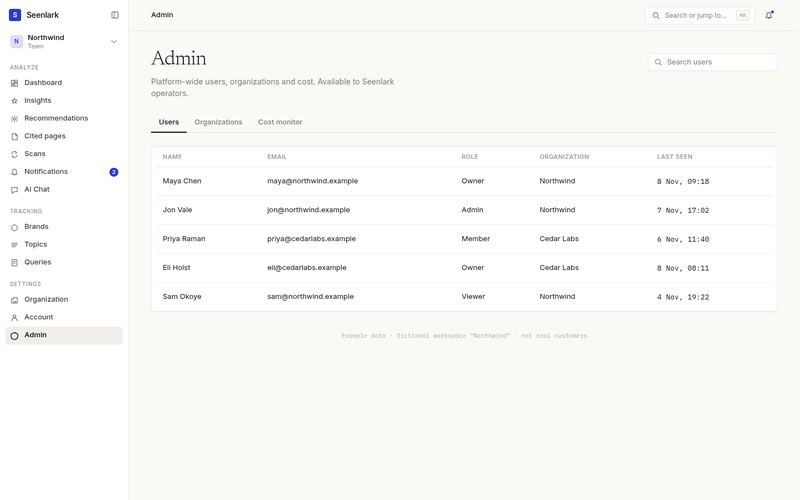
Admin · Users
Platform-wide user table.
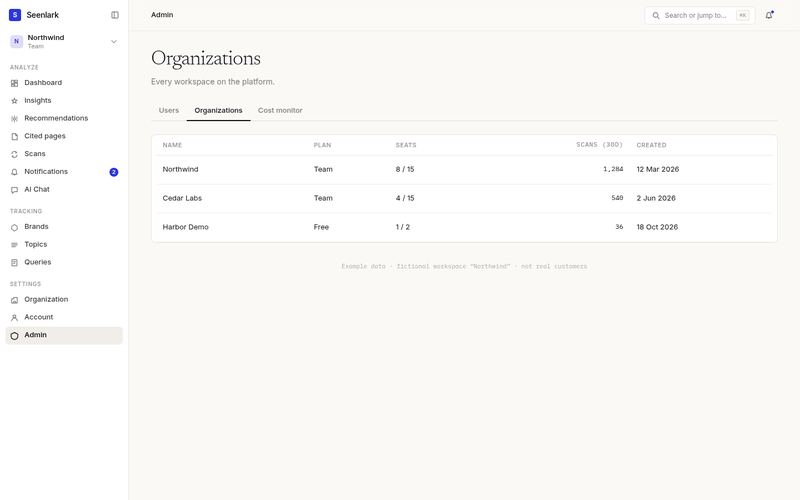
Admin · Organizations
Workspaces and plans.
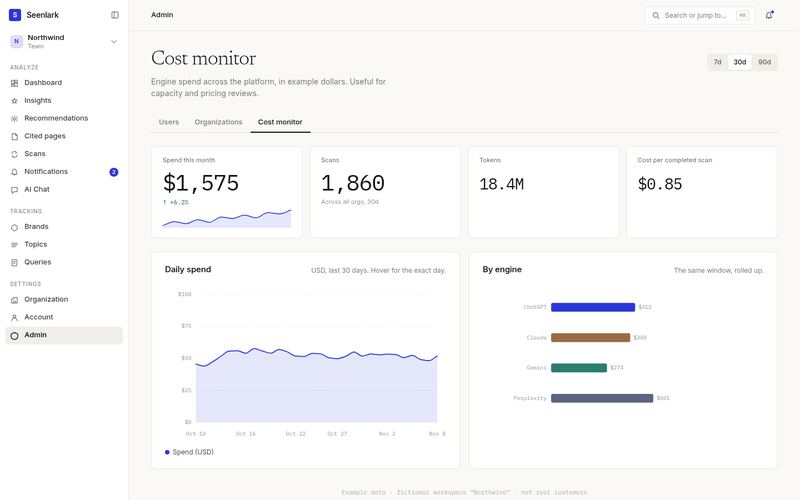
Admin · Cost monitor
Daily spend chart and spend-by-engine bars.

Chrome

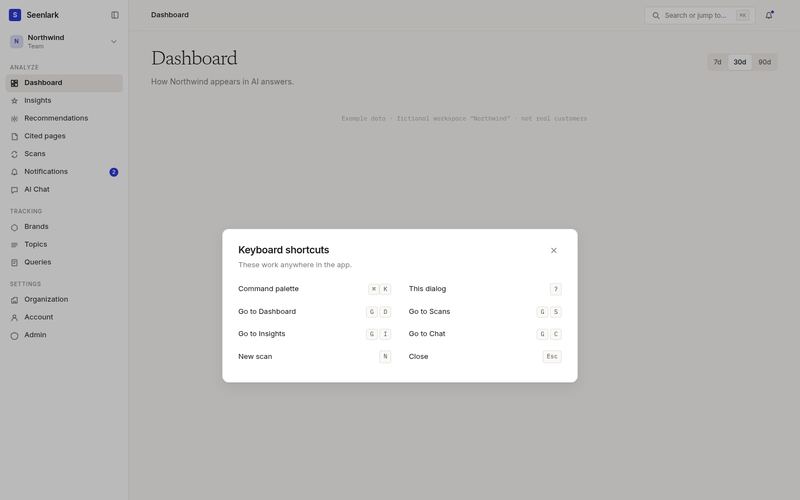
Keyboard shortcuts
The ? dialog, open.
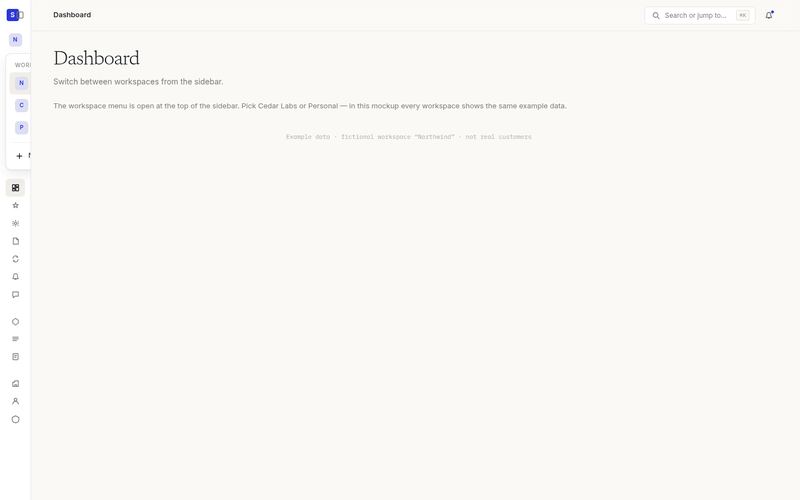
Workspace switcher
Stripe-style: the top-left is the workspace, with the menu open. Seenlark sits at the bottom of the sidebar.
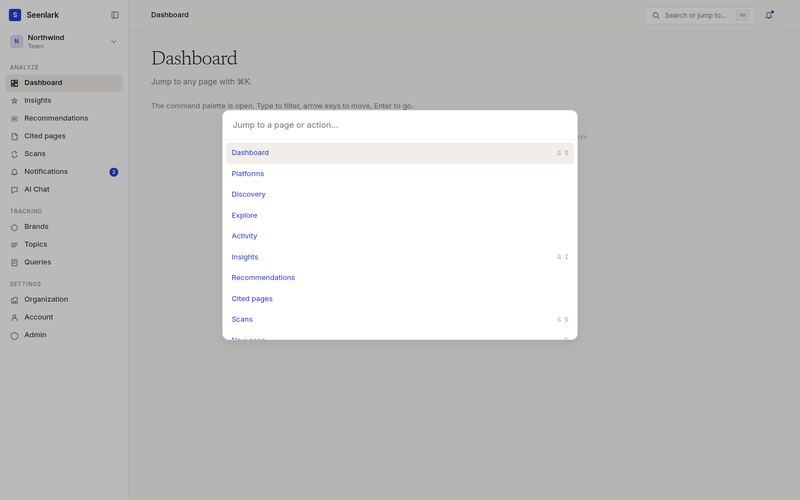
Command palette
⌘K, open and filterable.
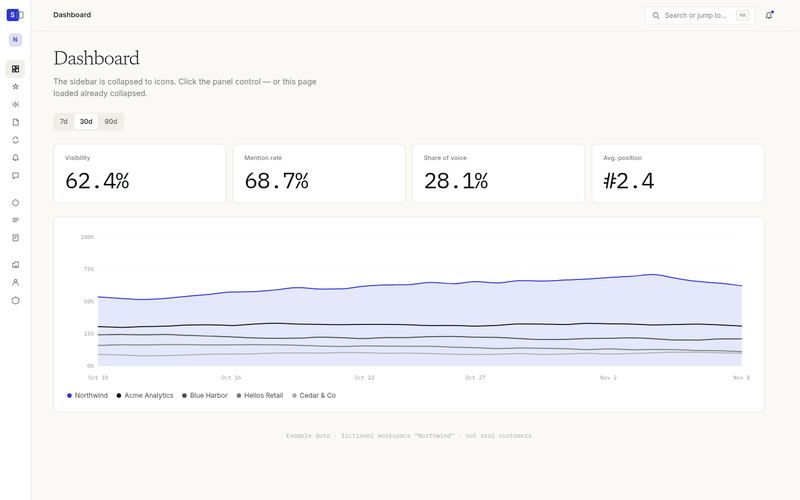
Collapsed sidebar
Workspace tile only at the top; Seenlark glyph and user avatar at the bottom.

Example data · fictional workspace “Northwind” · not real customers · mockups only